A Backend free Vehicle Catalog – Building Motorlane Virtual Car Showroom with Next.js 15 and DummyJSON
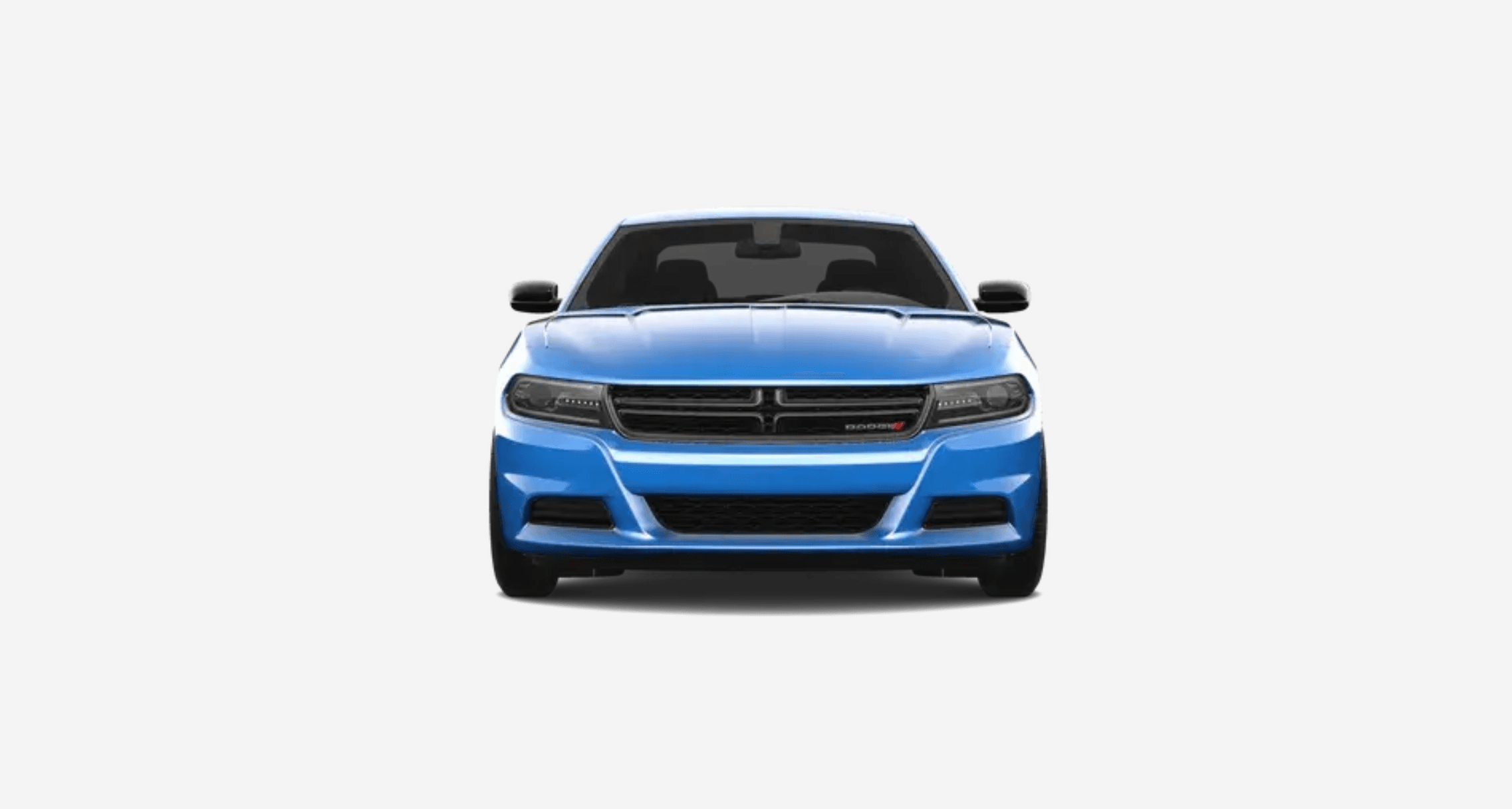
How I built Motorlane, a virtual car showroom with Next.js 15 and DummyJSON — covering SSR catalog fetching, client-side search and filters, vehicle detail pages, merged API reviews plus local comments, and the engineering decisions behind a backend-free catalog experience.
A Backend-Free Vehicle Catalog – Building Motorlane Virtual Car Showroom with Next.js 15 and DummyJSON
Motorlane is a virtual car showroom I built to solve a specific product problem: how do you make a vehicle catalog feel fast, filterable, and personal without standing up a database or admin CMS? The answer was a Next.js 15 app that SSR-fetches inventory from DummyJSON, filters and sorts on the client, and lets visitors leave comments that survive a refresh.
The goal wasn’t to clone a dealership platform. The goal was to build a complete catalog experience — browse, search, inspect specs, look at photos, and leave notes — with as little infrastructure as possible.
Why This App Exists
Catalog UIs are easy to get wrong. Search that ignores brand names, filters that fight each other, detail pages that flash empty while images load, and visitor feedback that disappears on refresh all make a showroom feel unfinished.
I wanted a showroom that feels intentional: vehicles appear in the first HTML response, filters update immediately, gallery switching is instant, and comments persist locally so a visitor can come back to their own notes without creating an account.
Tech Stack
- Next.js 15.5 (App Router) — SSR for catalog and vehicle detail pages
- React 19 — client islands for search, filters, gallery, and comments
- TypeScript — shared Vehicle and comment models
- Zod 4 + React Hook Form — comment form validation
- DummyJSON — public vehicle inventory and API reviews
- localStorage — visitor comments keyed by vehicle ID
- Plain CSS + Manrope — compact showroom design system
- next/image — remote DummyJSON CDN images
Application Structure & Routes
The app has two user-facing routes. Everything else is loading, error, or not-found chrome around those two pages.
- / — SSR vehicle catalog with client search, filters, sorting, and grid
- /vehicles/[id] — SSR vehicle detail with gallery, specs, and comments
There are no Next.js API routes, no auth, and no database. DummyJSON is the inventory source. Visitor comments never leave the browser.
File Structure
car-showroom/
├── app/
│   ├── layout.tsx
│   ├── page.tsx                    # Home → VehicleShowroom
│   ├── loading.tsx / error.tsx
│   ├── globals.css
│   └── vehicles/[id]/
│       ├── page.tsx                # Vehicle detail (SSR)
│       ├── loading.tsx / error.tsx
│       └── not-found.tsx
├── components/
│   ├── layout/Header.tsx, Footer.tsx, Container.tsx
│   ├── vehicles/                   # Showroom, cards, filters, gallery
│   ├── comments/                   # Form, list, merge UI
│   └── common/                     # EmptyState, ErrorMessage, spinner
├── hooks/
│   ├── useVehicles.ts              # Catalog filters + hydrated SSR data
│   └── useComments.ts              # localStorage comments for one vehicle
├── lib/
│   ├── api/getVehicles.ts, getVehicle.ts
│   ├── storage/comments.ts
│   ├── utils/filterVehicles.ts, sortVehicles.ts, mergeComments.ts
│   └── validation/commentSchema.ts
└── types/
    ├── vehicle.ts
    └── comment.ts
The split is the same discipline I used on the VIN Decoder: lib/ owns fetching and persistence, hooks/ own React state, and components/ stay focused on layout and interaction.
Data Models
Inventory follows the DummyJSON product shape, narrowed to fields the showroom actually uses. Comments have two sources that get merged into one display model.
type Vehicle = {
  id: number;
  title: string;
  brand: string;
  price: number;
  rating: number;
  description: string;
  category: string;
  stock: number;
  images: string[];
  thumbnail: string;
  reviews: ApiReview[];
  // plus specs: sku, weight, dimensions, warranty, shipping, availability
};

type LocalComment = {
  id: string;
  vehicleId: number;
  name: string;
  comment: string;
  createdAt: string;
};

type DisplayComment = {
  id: string;
  name: string;
  comment: string;
  createdAt: string;
  source: "api" | "local";
  rating?: number;
};
The source field is what lets the UI badge local notes as “Yours” and only allow deleting comments the visitor actually wrote.
Showroom Pipeline
The homepage is a short pipeline: fetch once on the server, hydrate on the client, then filter and sort in memory as the visitor types.
HomePage (server)
  → getVehicles()  // DummyJSON /products/category/vehicle
  → VehicleShowroom({ initialVehicles })
      → useVehicles(initialVehicles)  // skip refetch if SSR data exists
      → filterVehicles(search, brand, price, rating)
      → sortVehicles(price | rating | title)
      → VehicleGrid → VehicleCard → /vehicles/{id}

VehiclePage (server)
  → getVehicle(id)
  → if missing or category !== "vehicle" → notFound()
  → VehicleDetails + gallery + specs
  → CommentsSection
      → mergeComments(apiReviews, localComments)
      → comment form (Zod + React Hook Form)
      → save to localStorage on success
Passing initialVehicles into the client hook was the fix for skeleton flashing. If the server already returned inventory, the client does not refetch or show a loading skeleton on first paint.
API Design: DummyJSON
The app uses two DummyJSON endpoints. There is no BFF layer — server components call the public API directly.
GET https://dummyjson.com/products/category/vehicle
GET https://dummyjson.com/products/{id}
export async function getVehicle(id: string) {
const response = await fetch(`https://dummyjson.com/products/${id}`);
if (response.status === 404) return null;
if (!response.ok) {
throw new Error(`Failed to load vehicle (${response.status})`);
}
const product = await response.json();
if (product.category !== "vehicle") return null;
return product;
}The category guard matters because DummyJSON product IDs are global. Without it, /vehicles/1 could render a non-car product as if it belonged in the showroom.
Search, Filters, and Sorting
All catalog interaction happens client-side on the SSR payload. At current inventory size that is the right tradeoff: instant feedback, no extra network round trips, and shareable UI state without a query API.
- Search matches brand, title, and description
- Filters for min/max price, minimum rating, and brand
- Brand options are derived from the loaded inventory
- Sort by price, rating, or name
- Live result count with aria-live polite updates
export function filterVehicles(vehicles, filters) {
  return vehicles.filter((vehicle) => {
    const query = filters.search.trim().toLowerCase();
    const matchesSearch =
      !query ||
      vehicle.brand.toLowerCase().includes(query) ||
      vehicle.title.toLowerCase().includes(query) ||
      vehicle.description.toLowerCase().includes(query);

    const matchesBrand = !filters.brand || vehicle.brand === filters.brand;
    const matchesMinPrice = vehicle.price >= filters.minPrice;
    const matchesMaxPrice = vehicle.price <= filters.maxPrice;
    const matchesRating = vehicle.rating >= filters.minRating;

    return matchesSearch && matchesBrand && matchesMinPrice && matchesMaxPrice && matchesRating;
  });
}
Comments Without a Backend
DummyJSON already returns product reviews. I did not want to throw those away, and I also did not want a comment database. The compromise is a merge: API reviews stay read-only, local comments are writable, and the UI presents one chronological list.
const COMMENTS_STORAGE_KEY = "car-showroom-comments";

// storage shape
{
  "167": {
    "vehicleId": 167,
    "comments": [
      {
        "id": "crypto.randomUUID()",
        "vehicleId": 167,
        "name": "Alex",
        "comment": "Great ride",
        "createdAt": "2026-08-07T12:00:00.000Z"
      }
    ]
  }
}
The comment form is validated with Zod and React Hook Form before anything is written.
export const commentSchema = z.object({
  name: z.string().trim().min(1, "Name is required").max(40),
  comment: z.string().trim().min(1, "Comment is required").max(500),
});- Store comments per vehicle ID
- Merge API reviews + local notes into DisplayComment[]
- Newest comments first
- Only local comments can be deleted
- Recover from corrupt JSON with try/catch
- Guard window access so SSR never touches localStorage
UI & Interaction Design
The visual language is closer to a manufacturer site than a dashboard: white surfaces, dark type, zero radius, sticky blurred header, and Manrope as the primary typeface.
- Home: brand-first Motorlane hero, search, filter fieldset, result count, vehicle cards
- VehicleCard: thumbnail, brand, title, price, rating, Learn more link
- Detail: back to showroom, gallery, specs definition list, tags, comments
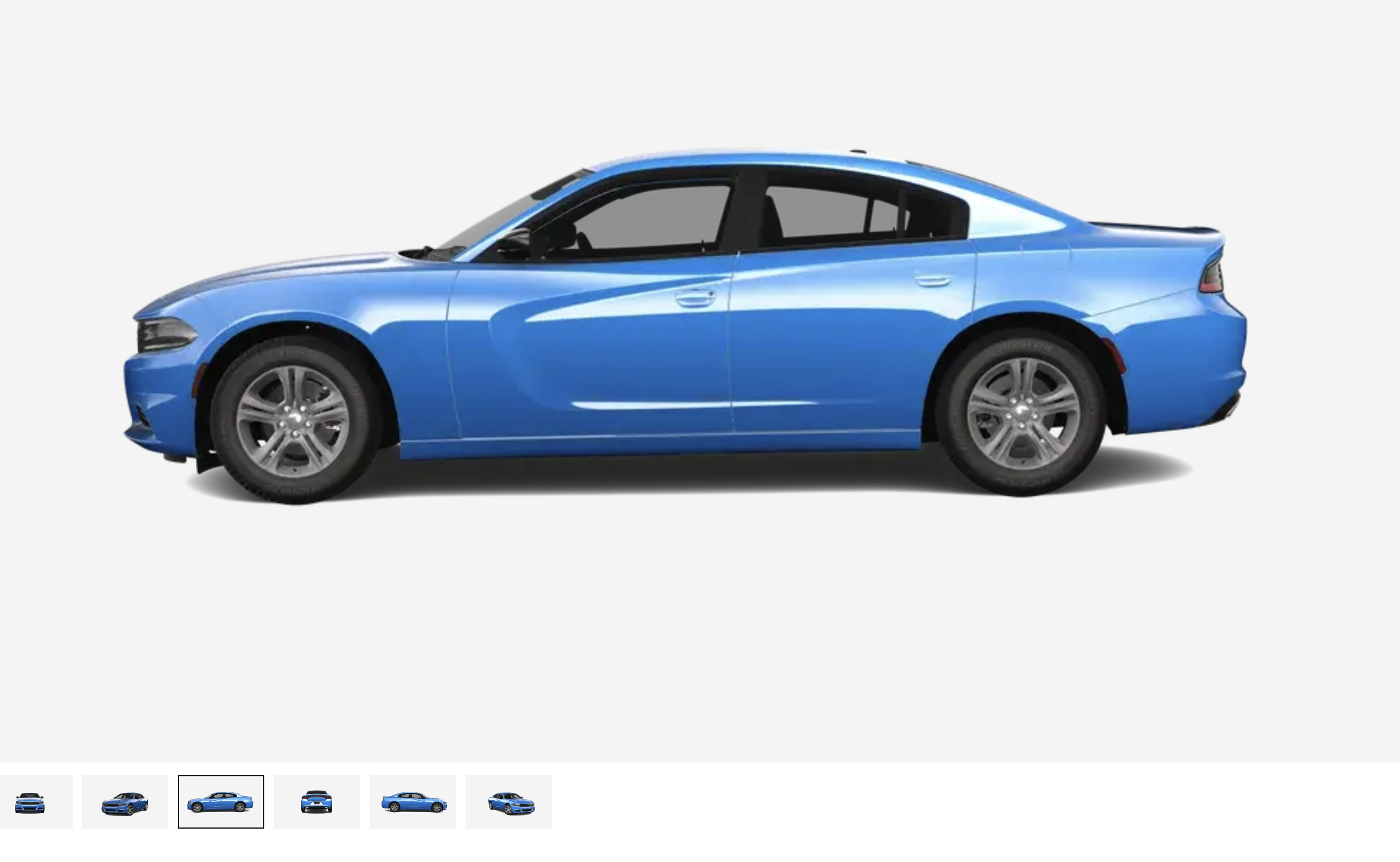
- VehicleGallery: all images preloaded in the DOM, inactive slides at opacity 0
- CommentsSection: merged list, Yours badge, delete for local notes, validated form
- Skeletons for home and detail loading states
Gallery switching used to feel laggy because each thumbnail click waited on a new image request. Preloading every gallery image and switching with CSS opacity removed that delay.
Engineering Challenges & Decisions
Most of the hard work was not fetching DummyJSON. It was keeping the first paint honest and making client-only features feel native.
- Skeleton flash after SSR — fixed by hydrating useVehicles with initialVehicles so the client skips refetch on first load
- Generic product IDs — getVehicle returns null unless category is vehicle, then the detail route calls notFound()
- Gallery thumb lag — preload all images and crossfade with opacity instead of swapping src
- Comments without auth — merge API reviews with localStorage notes; only local comments are deletable
- Corrupt storage — getAllComments() returns {} if JSON.parse fails
- Abort-safe catalog fetching — cancelled flag in useVehicles effects to ignore stale responses
Error handling is layered: route-level error.tsx boundaries with retry, in-showroom ErrorMessage, dedicated not-found for missing vehicles, and form field errors with aria-invalid plus role=alert.
Performance Optimisations
- SSR for both catalog and vehicle detail so crawlers and first paint get real content
- Hydrate client filters from server data instead of refetching DummyJSON
- In-memory search, filter, and sort — no extra network on each keystroke
- next/image for remote CDN assets, with priority on the first gallery image
- Gallery images preloaded so thumbnail clicks do not wait on the network
- App Router client boundaries keep form/filter JavaScript off the static page shell
- No database, no custom API layer, no auth cookies — fewer moving parts in production
What I Learned
- SSR data is wasted if the client immediately refetches and shows a skeleton
- Public product APIs need category guards when IDs are not namespaced
- Image galleries feel slow from decode/network delay, not from React re-renders
- localStorage is enough for personal notes when you do not need cross-device sync
- Merging third-party reviews with local comments is cleaner than hiding one source
Conclusion
Motorlane is a compact showroom, but it follows production-minded decisions: server-rendered inventory, instant client filtering, guarded detail routes, a preloaded gallery, and comments that persist without a backend. Building it was less about listing cars and more about making a catalog feel complete.
The same patterns apply to any small catalog product — fetch once on the server, shape interaction on the client, persist only what must survive a refresh, and keep infrastructure out of the way until you actually need it.
Links
- Live demo: https://motorlane-showroom.netlify.app
- GitHub: https://github.com/Princewill-Nanakumor/Motorlane-showroom.git
- DummyJSON docs: https://dummyjson.com/docs/products
- Portfolio project page: https://princewillnanakumor.com/projects/car-showroom