Personal Portfolio and Admin CMS – Building a Modern Portfolio Website with Next.js and Blog System
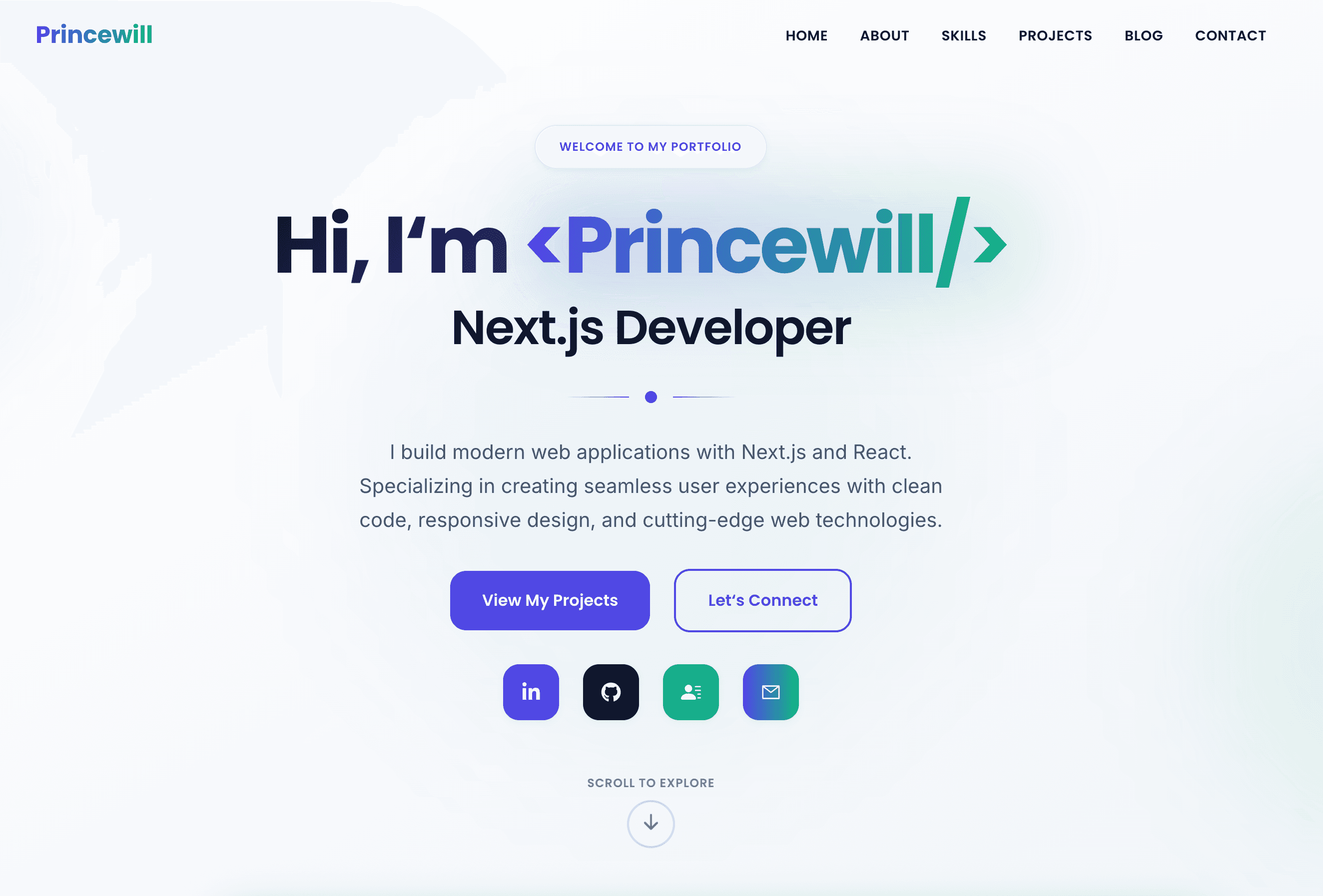
A deep dive into how I built a modern full-stack portfolio website with React, Next.js,TypeScript, MongoDB, and a complete blog management system.
Introduction
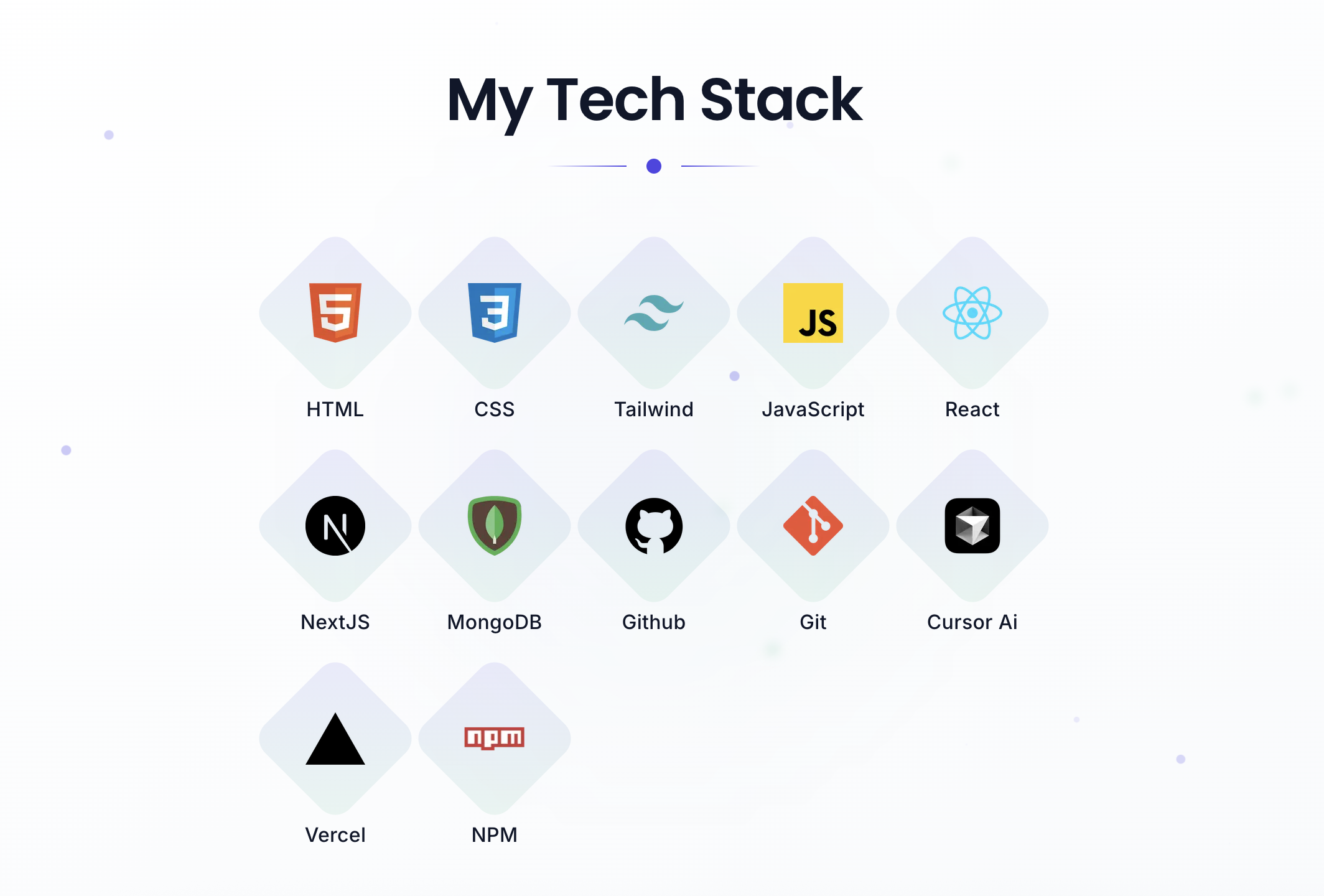
In today's digital age, having a professional online presence is crucial for developers and creatives. I recently built a comprehensive portfolio website that not only showcases my work but also includes a full-featured blog system. This project demonstrates modern web development practices and showcases the power of React and Next.js
Project overview
This portfolio website is a full-stack application built with React, Next.js, TypeScript, MongoDB and Tailwind CSS. It features a responsive design, admin panel for blog management, and a complete content management system. The project serves as both a portfolio showcase and a platform for sharing technical insights.
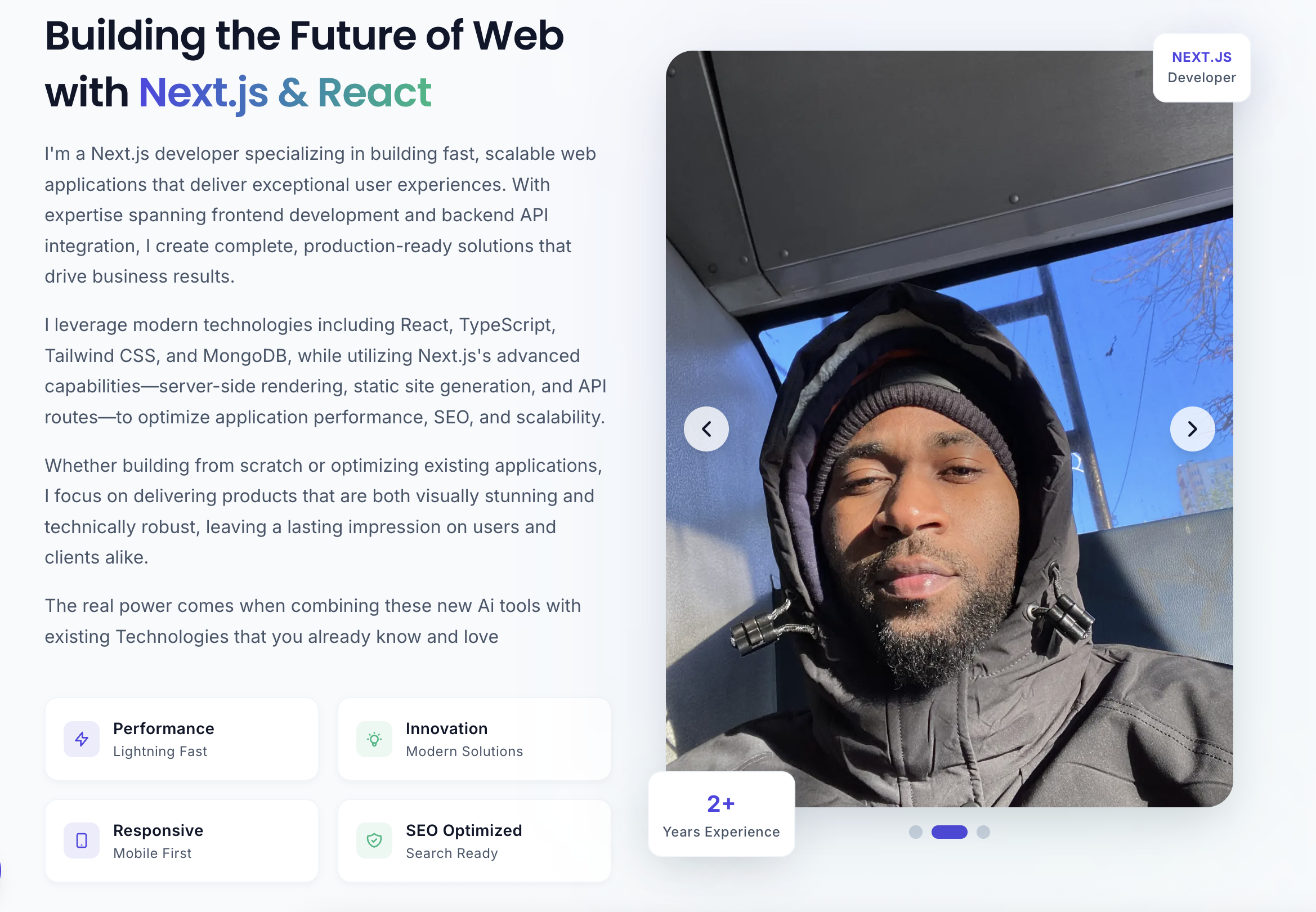
Technology Stack
- Frontend: Next.js, TypeScript, Tailwind CSS, Framer Motion, React Hooks
- Backend: MongoDB, Mongoose, Next.js API Routes, Nodemailer
- Dev Tools: ESLint, Prettier, Git, Vercel
Key Features
- Responsive Design – Mobile-first, smooth animations, optimized for all devices.
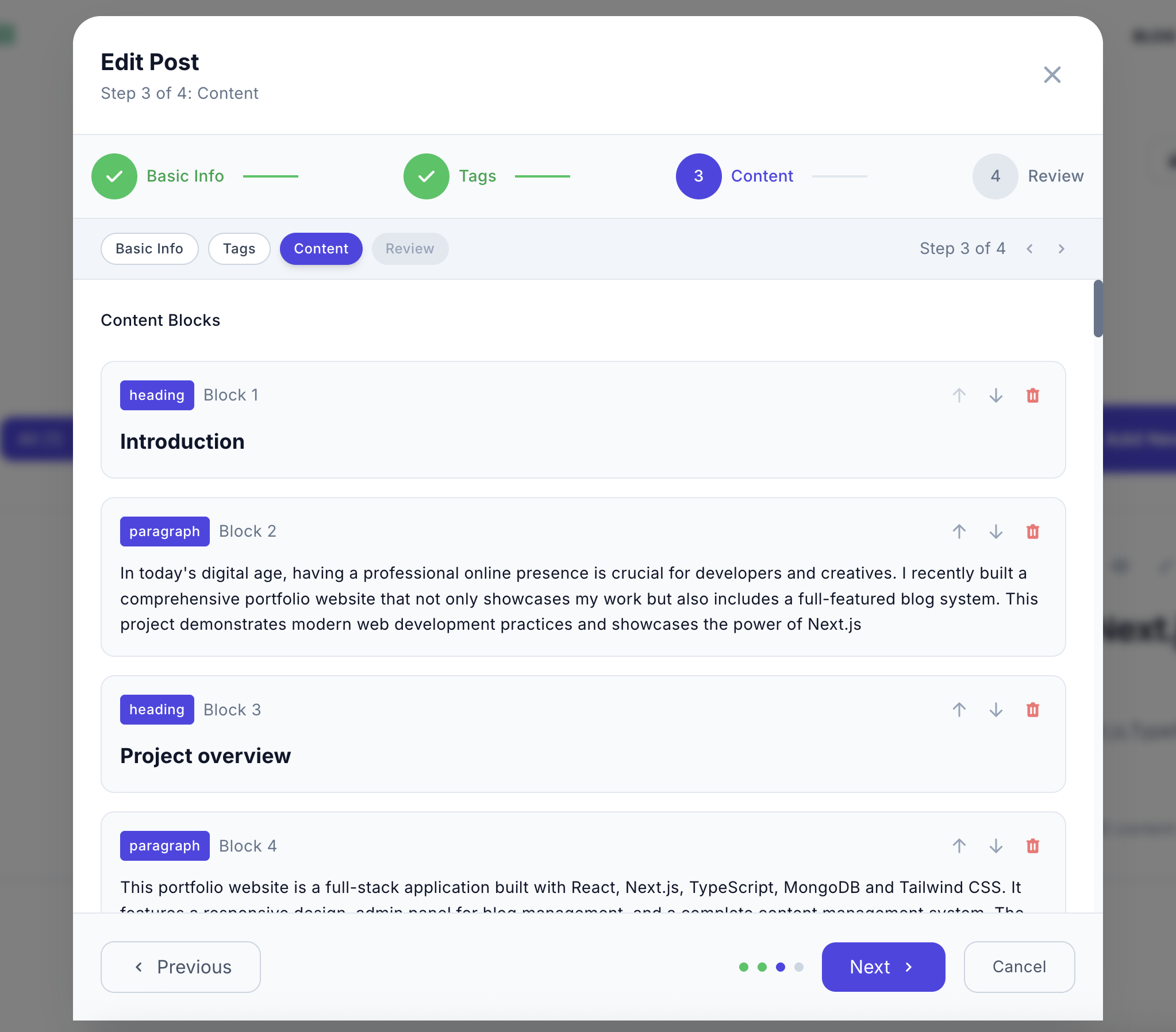
- Blog Management System – CRUD operations, image upload, rich editor, draft/publish workflow.
- Authentication & Security – Password protection, lockout mechanism, secure API endpoints.
- Content Management – Text, code, images, lists with rich editing.
- User Experience Enhancements – Toast notifications, SEO, smooth scroll, hover effects.
Architecture Highlights
The application follows a modular structure with clear separation of concerns:
- Database Design: BlogPost model, Contact model, optimized indexing
- API Architecture: CRUD for posts, image upload, like/unlike, contact form processing
// src/models/BlogPost.ts
import mongoose, { Schema, Document, Model } from "mongoose";

export interface IContentBlock {
  type: "paragraph" | "heading" | "code" | "list" | "image";
  text?: string;
  items?: string[];
  imageUrl?: string;
}

export interface IBlogPost extends Document {
  title: string;
  slug: string;
  excerpt: string;
  content: IContentBlock[];
  image: string;
  readTime: string;
  category:
    | "Next.js"
    | "React"
    | "CSS"
    | "JavaScript"
    | "TypeScript"
    | "Backend"
    | "Git"
    | "AI/ML"
    | "DevOps"
    | "Tutorial";
  tags: string[];
  published: boolean;
  likes: number;
  createdAt: Date;
  updatedAt: Date;
}

const ContentBlockSchema = new Schema<IContentBlock>({
  type: {
    type: String,
    enum: ["paragraph", "heading", "code", "list", "image"],
    required: true,
  },
  text: {
    type: String,
    default: "",
  },
  items: [
    {
      type: String,
    },
  ],
  imageUrl: {
    type: String,
    default: "",
  },
});

const BlogPostSchema = new Schema<IBlogPost>(
  {
    title: {
      type: String,
      required: true,
      trim: true,
    },
    slug: {
      type: String,
      required: true,
      unique: true,
      trim: true,
    },
    excerpt: {
      type: String,
      required: true,
      maxLength: 500,
    },
    content: [ContentBlockSchema],
    image: {
      type: String,
      required: true,
    },
    readTime: {
      type: String,
      default: "5 min read",
    },
    category: {
      type: String,
      required: true,
      enum: [
        "Next.js",
        "React",
        "CSS",
        "JavaScript",
        "TypeScript",
        "Backend",
        "Git",
        "AI/ML",
        "DevOps",
        "Tutorial",
      ],
    },
    tags: [
      {
        type: String,
        trim: true,
      },
    ],
    likes: {
      type: Number,
      default: 0,
    },
    published: {
      type: Boolean,
      default: true,
    },
    createdAt: {
      type: Date,
      default: Date.now,
    },
    updatedAt: {
      type: Date,
      default: Date.now,
    },
  },
  {
    timestamps: true,
  }
);

// Create index for better search performance
BlogPostSchema.index({ title: "text", excerpt: "text", tags: "text" });
BlogPostSchema.index({ slug: 1 });
BlogPostSchema.index({ category: 1 });
BlogPostSchema.index({ published: 1 });

// Type-safe model creation
const BlogPost: Model<IBlogPost> =
  (mongoose.models.BlogPost as Model<IBlogPost>) ||
  mongoose.model<IBlogPost>("BlogPost", BlogPostSchema);

export default BlogPost;
Technical Challenges & Solutions
- Image Upload System – Built secure API with validation & size limits.
- Rich Content Editor – Multi-step form with multiple block types.
- Responsive Design – Tailwind CSS mobile-first approach.
- Performance Optimization – Lazy loading, caching, Framer Motion optimizations.
User Experience Design
- Visual Design – Modern aesthetic, gradients, typography, animations.
- Interaction Design – Smooth scrolling, responsive hover effects, CTA buttons.
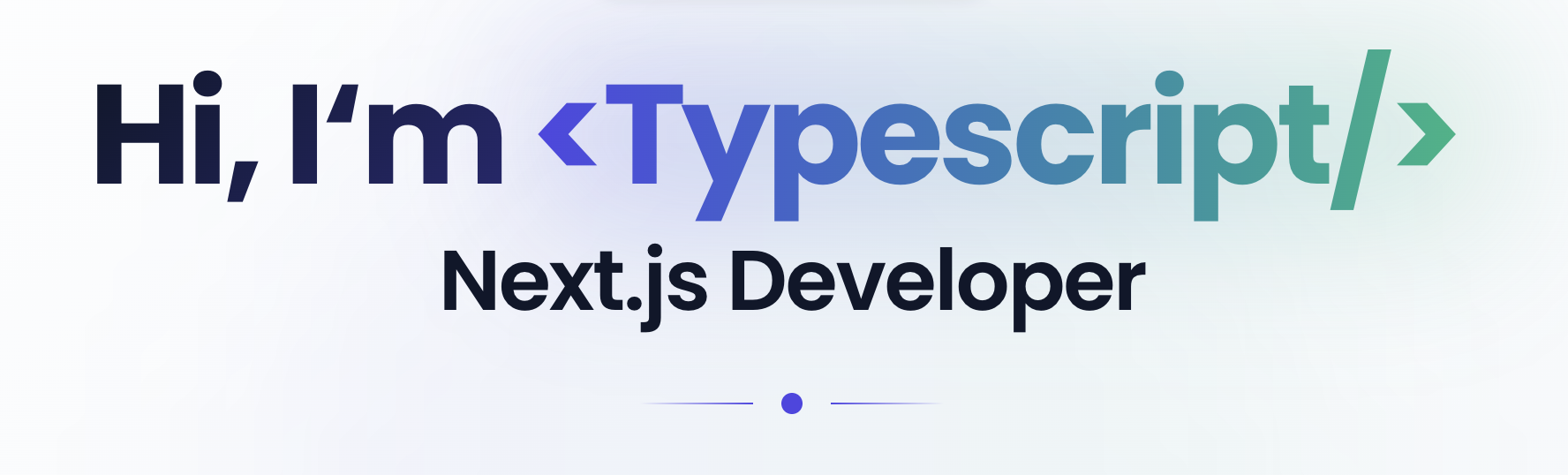
- Content Strategy – Hero section with typewriter effect, project showcase, skill display.
Deployment & Performance
- Optimized bundle sizes & code splitting
- Static generation where possible
- Image optimization
Conclusion
This portfolio website represents a modern approach to personal branding and content management. By combining Next.js powerful features with a robust blog system, I created a platform that showcases my work and provides a foundation for sharing knowledge and insights.
This project is live at https://princewillnanakumor.com